Using Zoom to connect with our live sessions
We’ll send a link to you for all online events. You’ll click or tap that link and get connected soon after. For the first time connecting on a device you’ll need a few extra minutes to download some things to make the connection better. No worries, it’s easy! Watch this video for more.
Join from Windows, Mac, Linux, iOS or Android: https://zoom.us/j/4765526300
Or Telephone: +1 646 558 8656 or +1 669 900 6833
Meeting ID: 476 552 6300
Logging in to Year of Tranquility
Our Year of Tranquility forum is at ondemand.kimberlywilson.com. Click login in the upper left and enter in your username and password that you set up after purchase. Having trouble logging in? Try resetting your password on the login page. Still having issues? Email us and we can lend a hand within 24 hours.
Once logged in, click on the Year of Tranquility gateway and you’ll be whisked in. You can also bookmark ondemand.kimberlywilson.com/year-of-tranquility-welcome for quicker access.
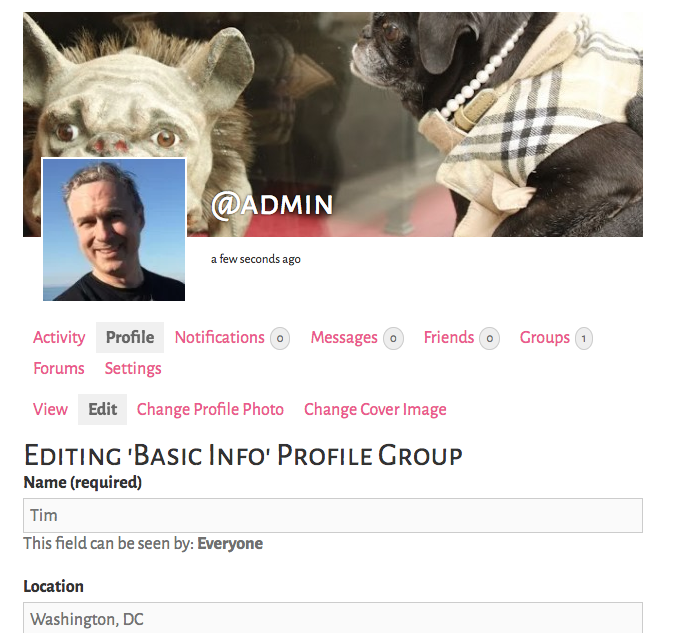
Setting up your forum profile
Our private forum allows you to post a picture of yourself and a banner, just like other social media platforms! What’s different is it’s focused only on our group and nobody outside of Year of Tranquility has access. Setting up your profile is easy once you’re signed in.
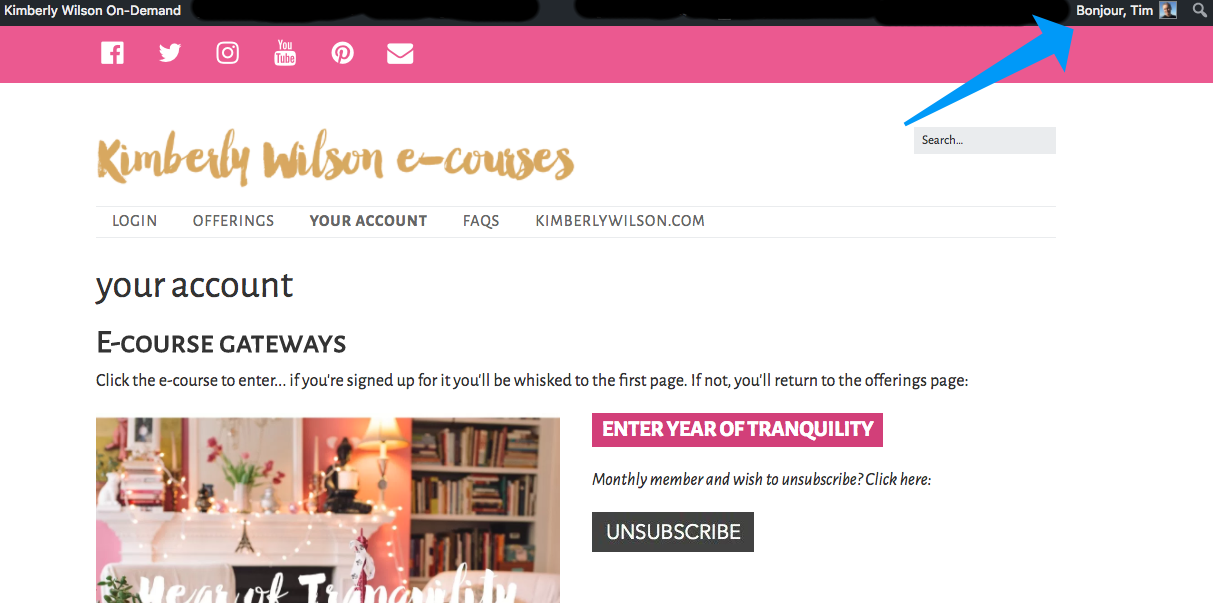
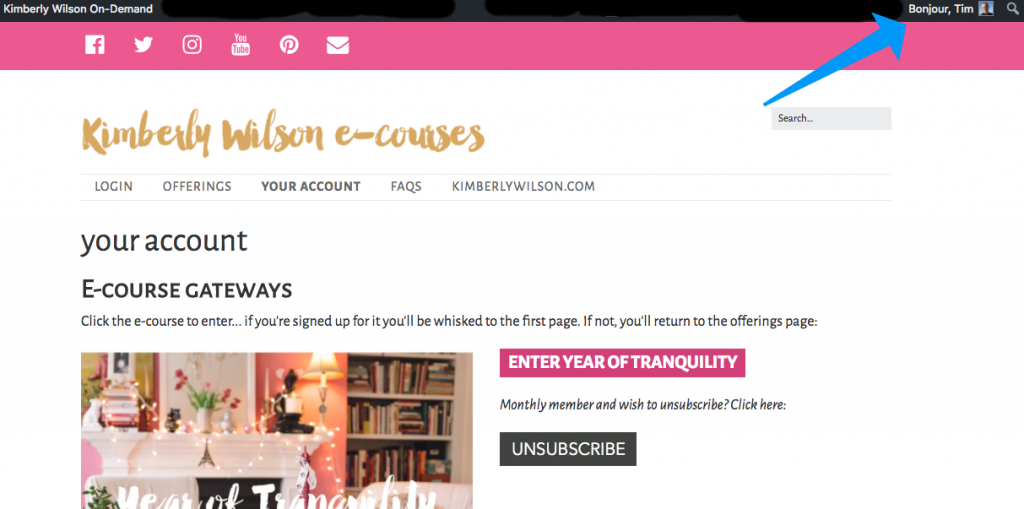
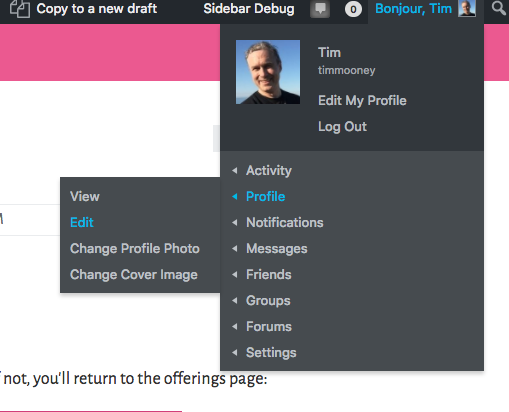
In the upper right hand corner, you’ll see Bonjour and your name.
Hover over or tap that.
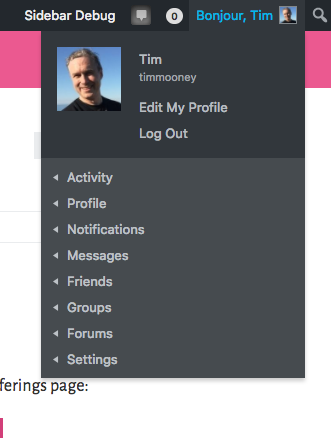
Choose Profile>Edit
Fill in the fields and upload the images you’d like! We’ll have more information on how to use the forum before January 14. To get there directly, go to ondemand.kimberlywilson.com/user-groups/year-of-tranquility/forum (you’ll need to be signed in).